Integrating Everest Form with Form Vibes
Form Vibes integrates seamlessly with Everest Forms, allowing you to manage form submissions more efficiently from a single place.
Once both plugins are installed and activated, Form Vibes automatically captures submissions submitted through Everest Forms. No complex configuration is required. All form entries are stored in the WordPress database and become available in the Form Vibes -> Submissions.
This integration helps you centralize Everest Forms submissions alongside entries from other supported form builders, making it easier to organize, review, and manage your form data without changing your existing form setup.
Managing Everest Form Submissions with Form Vibes
Once you create an Everest Form and users start submitting it, Form Vibes automatically captures all submissions, making form data management simple and well organized.
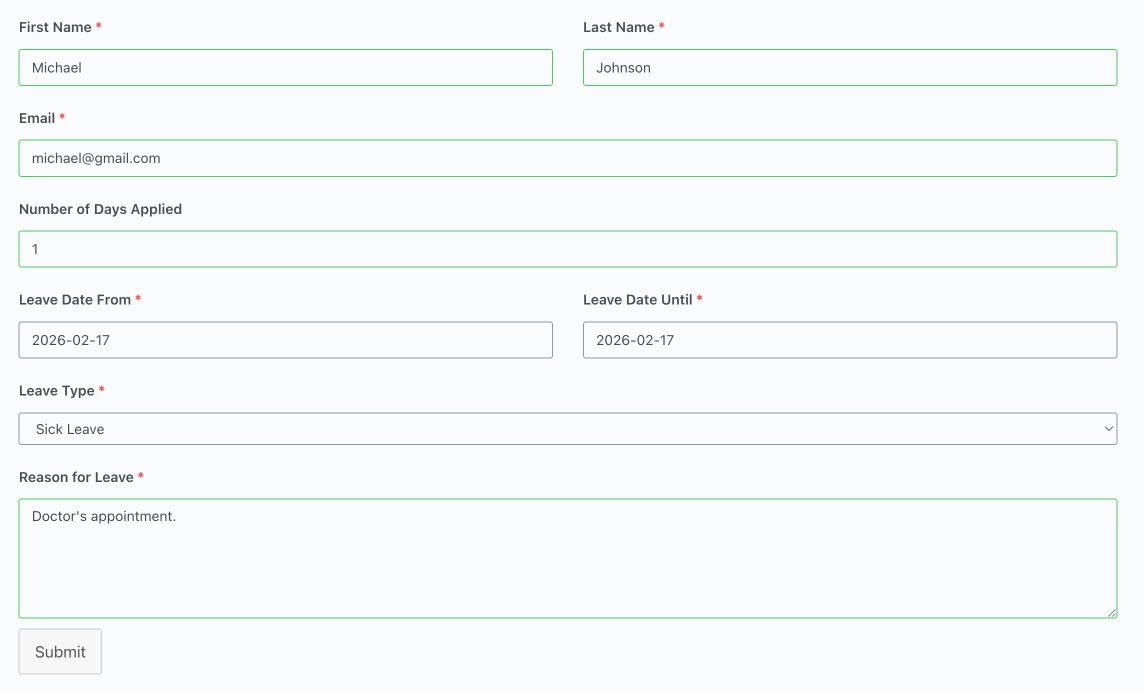
With Form Vibes, you can easily:
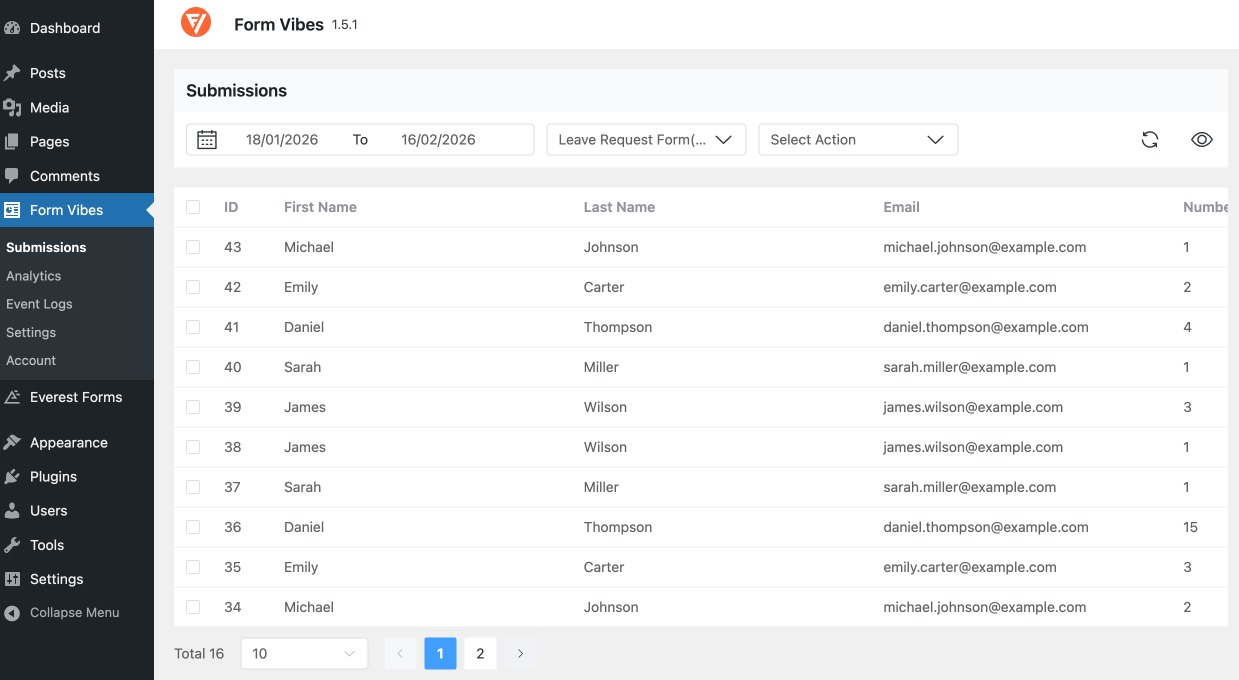
View Submissions in a Structured Table
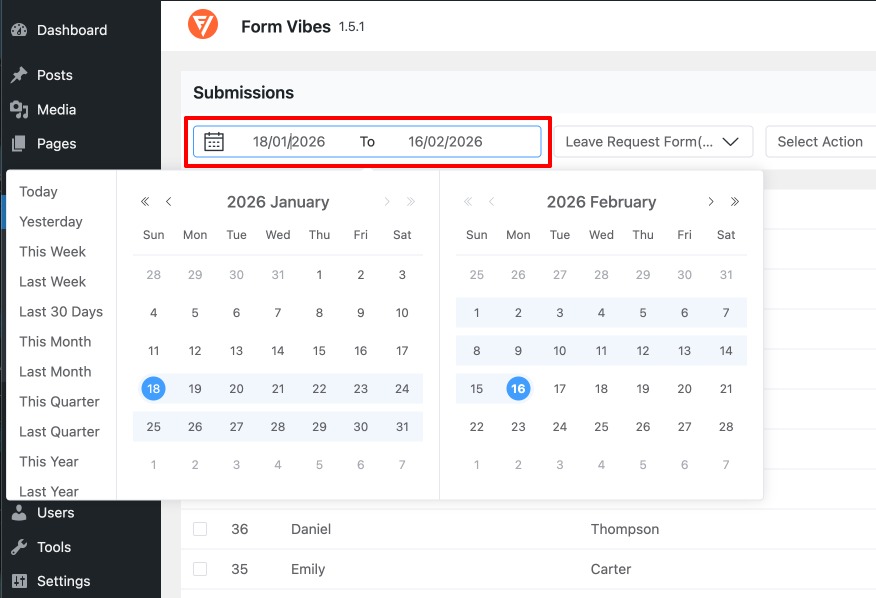
Filter Submissions Easily
Narrow down entries using date ranges and form-specific data to quickly find the information you need.
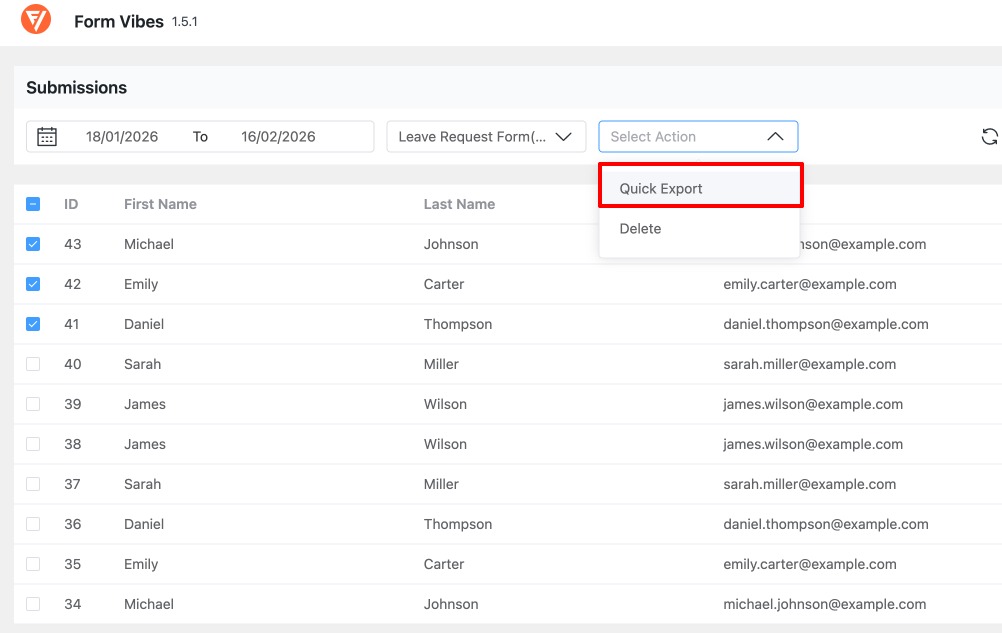
Export Form Entries
Download Everest Forms submissions as a CSV file for reporting, backups, or sharing with your team.
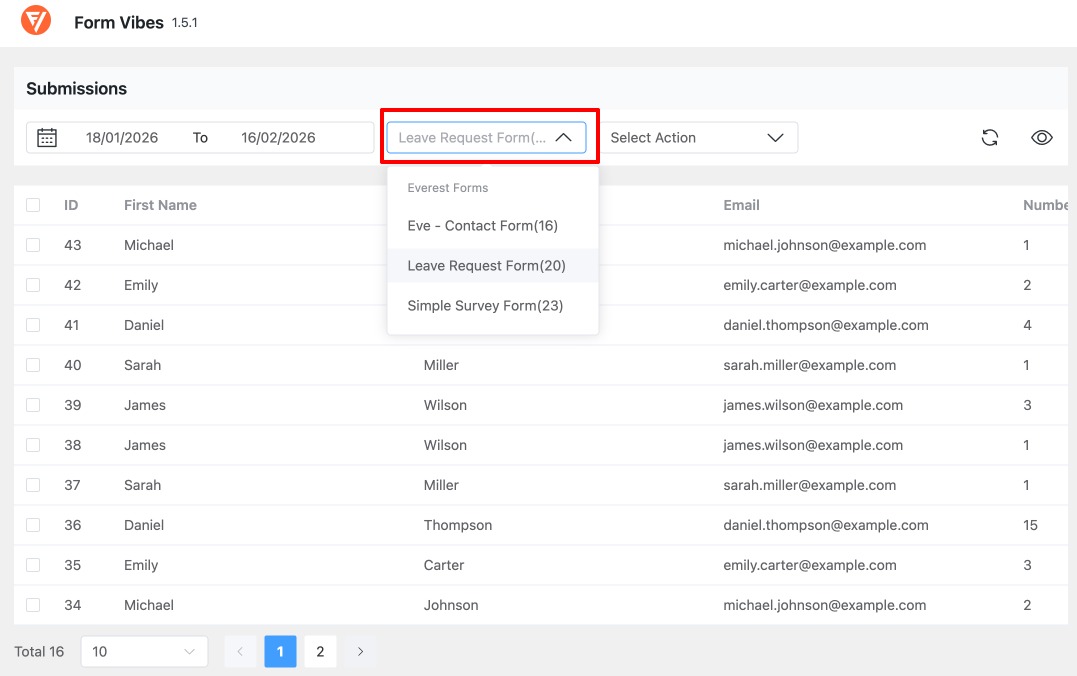
Manage Multiple Forms From One Place
If your site uses more than one Everest Form, Form Vibes lets you manage all submissions from a single dashboard by switching between forms.
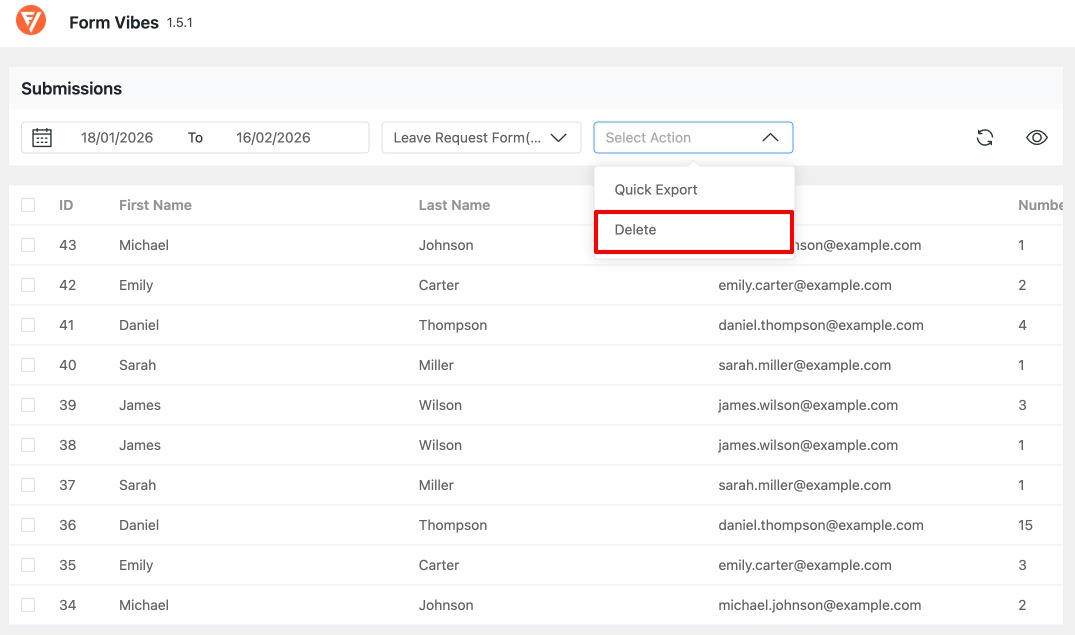
Delete Unwanted or Spam Entries
Remove unnecessary submissions to keep your database clean and focused on relevant data.
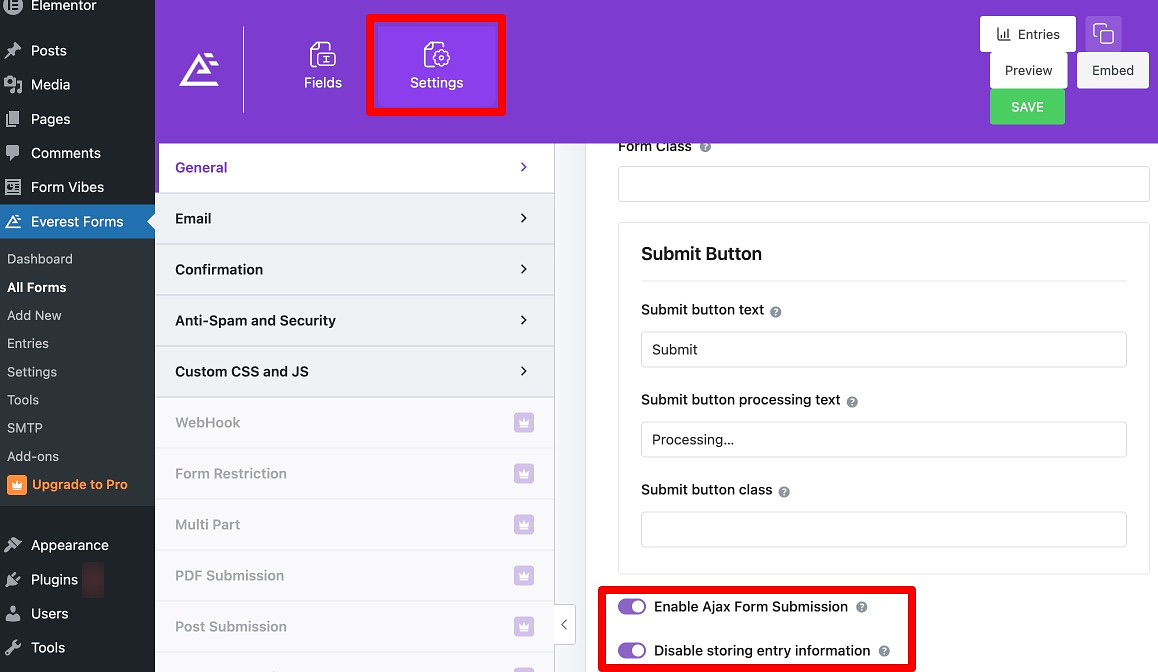
How Form Vibes Handles Disabled Submission Storage
- Entries remain accessible under Form Vibes → Submissions
- Important entries are not lost due to storage settings
- Data remains accessible from the Form Vibes dashboard
- Your submission workflow stays consistent